
Redesign when the current site undermines credibility, lead generation, mobile use, or organic visibility.
Preserve valuable URLs, metadata, content, and internal links during the transition.
Organize services and projects around how buyers evaluate construction companies.
Make calls, estimate requests, and qualification forms easy to use on mobile.
Compare agencies by process and risk management, not aesthetics alone.
Construction website redesign services should do more than make an old site look modern. A useful redesign must help the right prospects understand your capabilities, trust your company, review relevant work, and take the next step without friction.
That requires strategy, content, UX, development, SEO protection, and measurement. This guide explains what to expect and how to compare providers.
When Does a Construction Website Need a Redesign?
A visual preference alone is rarely enough. A redesign becomes commercially justified when the existing website creates measurable friction.
Common signals include:
the homepage does not explain the type of construction work performed;
service areas and project types are difficult to find;
project galleries lack context, scope, or outcomes;
calls and forms are hard to use on mobile;
pages load slowly or shift while loading;
marketing staff cannot update projects or services;
valuable pages have weak titles, headings, or internal links;
paid and organic traffic lands on generic pages;
the website no longer represents the size or quality of the company.
Before approving a redesign, record baseline inquiries, organic landing pages, rankings, form completion, call tracking, and mobile performance. Without a baseline, the new site may look better while its business effect remains unclear.
What Construction Website Redesign Services Should Include
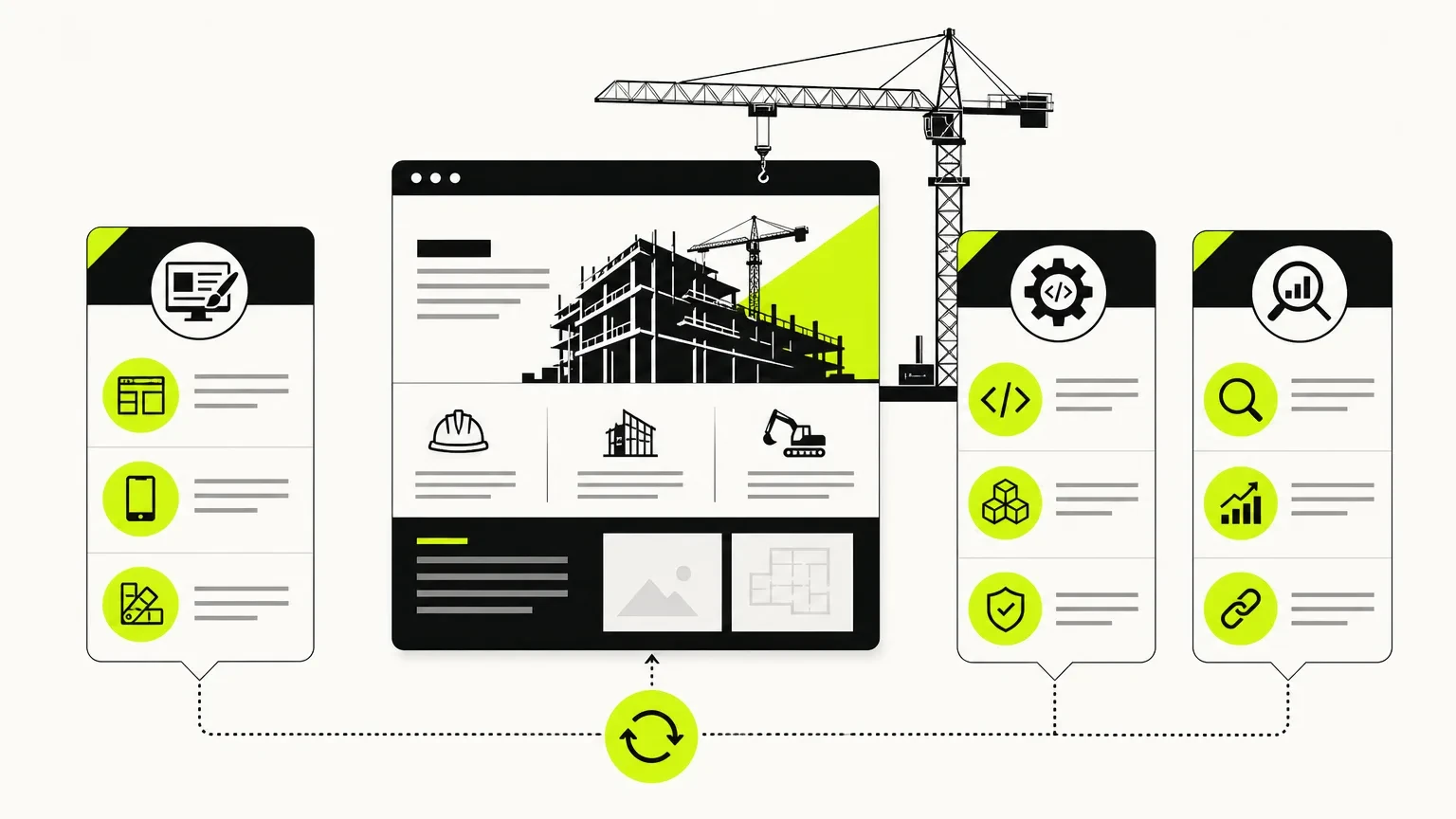
Workstream | Essential outputs | Why it matters |
|---|---|---|
Discovery | Goals, audiences, service priorities, competitor review | Prevents a cosmetic redesign |
Content strategy | Messaging, page inventory, proof requirements | Helps buyers understand fit |
UX and architecture | Sitemap, navigation, wireframes, conversion paths | Reduces friction |
Visual design | Responsive system, typography, components | Builds consistency and credibility |
Development | CMS, forms, analytics, performance | Creates a maintainable system |
SEO migration | URL map, redirects, metadata, sitemap checks | Protects existing visibility |
QA and launch | Device tests, form tests, crawl review | Reduces launch risk |
Optimization | Post-launch measurement and iteration | Turns the launch into a starting point |
A provider that discusses only colors, animations, and the homepage is not covering the complete redesign problem.
Construction-Specific Website Architecture
The sitemap should reflect how prospects evaluate your business, not the internal organization chart.
A practical structure can include:
Homepage: Clear positioning, project types, service area, proof, and primary action.
Service pages: One useful page for each commercially important service.
Industry or project-type pages: Relevant when commercial, residential, industrial, healthcare, or public-sector buyers have different concerns.
Project pages: Challenge, scope, location, service, constraints, images, and relevant capabilities.
About page: Leadership, operating principles, qualifications, and company history.
Safety and credentials: Certifications, licenses, safety practices, and procurement information where relevant.
Service-area pages: Only when each page provides genuine local value.
Contact or request page: Clear expectations, fields, phone number, and next step.
For more contractor-specific conversion principles, see our guide to website design for contractors.
Make Project Proof Useful
A gallery of attractive photographs is not a complete project page. Buyers need enough context to determine relevance.
For each featured project, consider including:
project type and location;
services performed;
client or sector, when permission allows;
scope and key constraints;
delivery approach;
relevant materials or capabilities;
completion date;
approved photographs;
a related service page;
a next step for a similar project.
Do not invent figures or client claims. Use only approved facts, images, and testimonials.
The Redesign Process
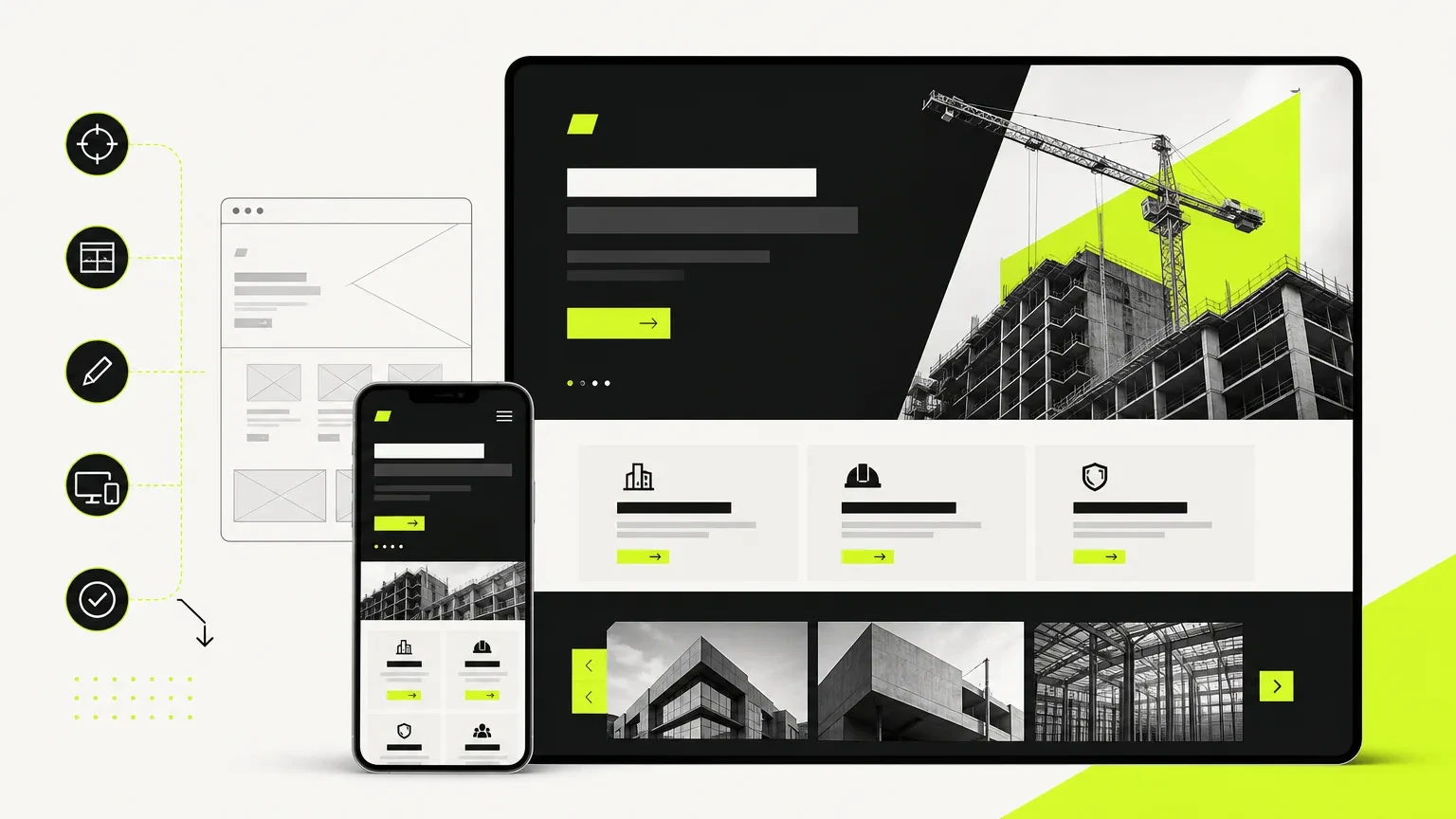
1. Audit the current website
Inventory every indexable URL, its purpose, organic traffic, backlinks, conversion role, and planned action. Mark each page as keep, improve, merge, redirect, or remove.
2. Define audiences and actions
A homeowner requesting an estimate, a commercial developer reviewing capabilities, and a procurement manager checking credentials need different information. Define the primary audience for each page.
3. Build the sitemap and conversion paths
Connect each service to relevant projects, credentials, service areas, and a clear action. Avoid placing every visitor into one generic contact form.
4. Write and approve content
Resolve positioning and proof before polishing visual layouts. Design cannot compensate for vague service descriptions.
5. Design mobile-first components
Test navigation, phone links, forms, project galleries, sticky actions, and text readability on real mobile widths.
6. Develop and populate the CMS
Use structured collections for projects, services, team members, insights, or locations when repetition justifies a CMS.
7. Protect SEO before launch
Create one-to-one redirects for changed URLs, transfer metadata, maintain heading clarity, update internal links, and verify canonical tags and sitemap behavior.
8. Test and monitor
Test forms, phone links, analytics events, responsive layouts, page speed, 404s, redirects, and indexing. Monitor Search Console after launch.
Redesign Risks to Put in the Project Plan
Valuable pages are deleted without replacements.
All old URLs redirect to the homepage.
Tracking stops during launch.
Project photographs are used without confirmed rights.
Mobile forms require too much information.
New copy makes unsupported claims.
Staging pages become indexable.
The team receives no CMS documentation.
DNS changes occur without a rollback plan.
How to Compare Construction Redesign Agencies
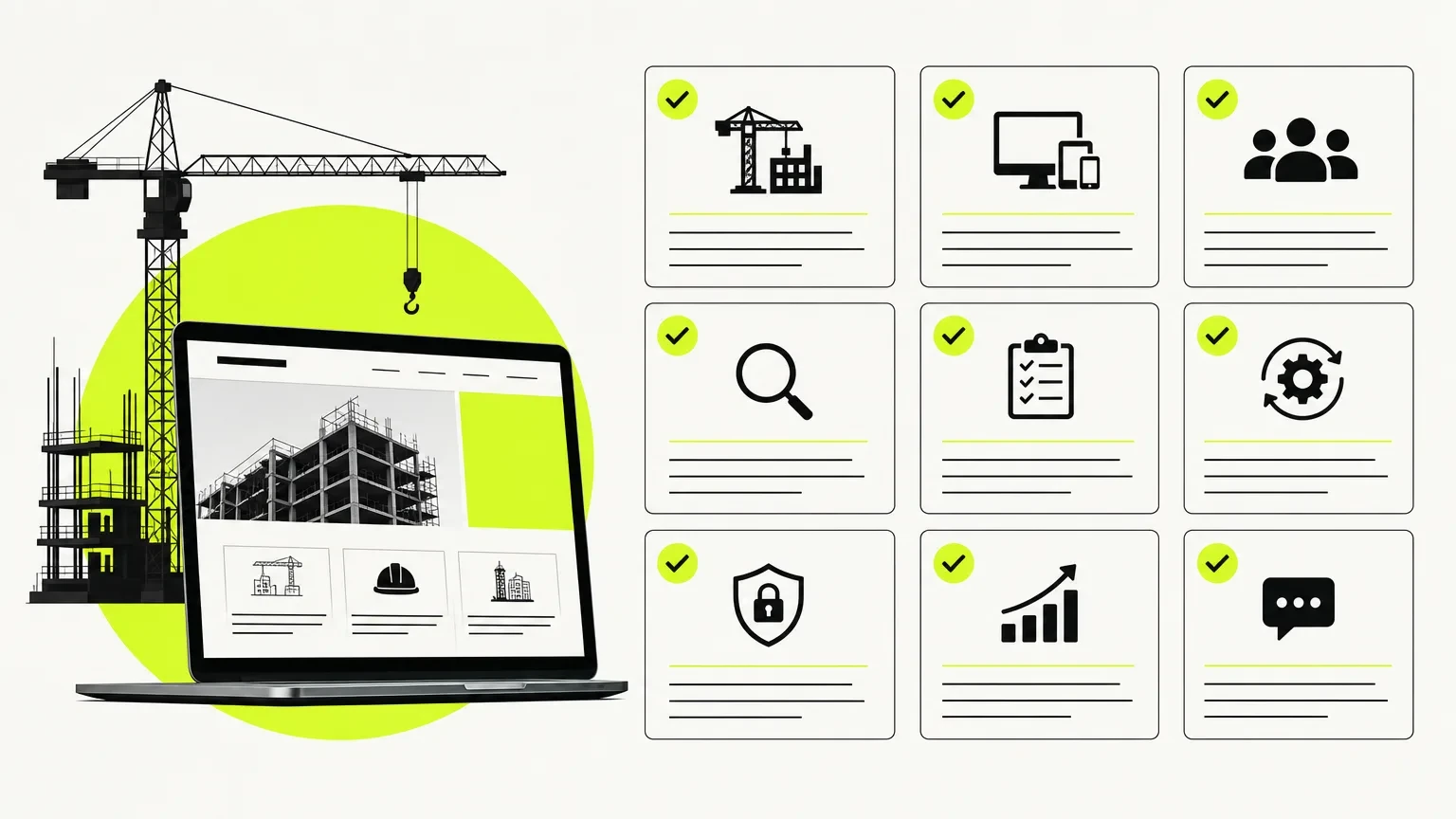
Ask each provider:
How will you inventory and protect existing organic pages?
Who is responsible for copy and proof collection?
How do you structure project case studies?
What mobile and browser testing is included?
Who owns the website, domain, analytics, and assets?
How are redirects created and verified?
What happens after launch?
Which metrics will show whether the redesign worked?
Pricing depends on page count, content, integrations, migration complexity, custom functionality, and approval requirements. Our website redesign cost guide explains the main variables.
What to Measure After Launch
Measure quality, not only volume:
qualified estimate requests;
calls from organic and paid landing pages;
conversion rate by device;
performance of service and project pages;
non-branded organic visibility;
form completion and abandonment;
crawl errors and redirected URLs;
time required to publish new projects.
Conclusion
A construction redesign should strengthen credibility, make capabilities easier to evaluate, protect search visibility, and create simpler routes to inquiry. The right provider will treat the project as a commercial and technical system, not a visual reskin.
We provide website redesign services built around clarity, performance, SEO foundations, and conversion paths. Start by auditing the current site against the scope and risk checklist above.